Configurations and singularities
Configurations
The same tool pose can be reached with the elbow up or down, the wrist flipped or not, the base facing the target or turned 180° with the arm reaching backwards. Each combination is a configuration. A joint move keeps the configuration it is in unless the target is in another; a Cartesian move cannot change configuration at all, because that would mean passing through a pose where two configurations meet, which is a singularity.
Three choices with two answers each make eight configurations. The figure shows all eight for one tool pose: PAROL6 with nothing on the flange, the tool centre point 250 mm in front of the base and 230 mm up, the tool tilted 30° from vertical. The flange is in exactly the same place and orientation in every picture; only the joints differ. The teal dot marks the centre of the flange and the arrow its axis, the same in every picture.
- Shoulder right or left: the wrist centre in front of the joint 1 axis, or behind it with joint 1 turned about 180° and the arm reaching back over itself.
- Elbow up or down: the elbow above or below the line from the shoulder to the wrist centre.
- Wrist flipped or not: joint 5 positive or negative; joints 4 and 6 turn by 180° to keep the tool where it is.
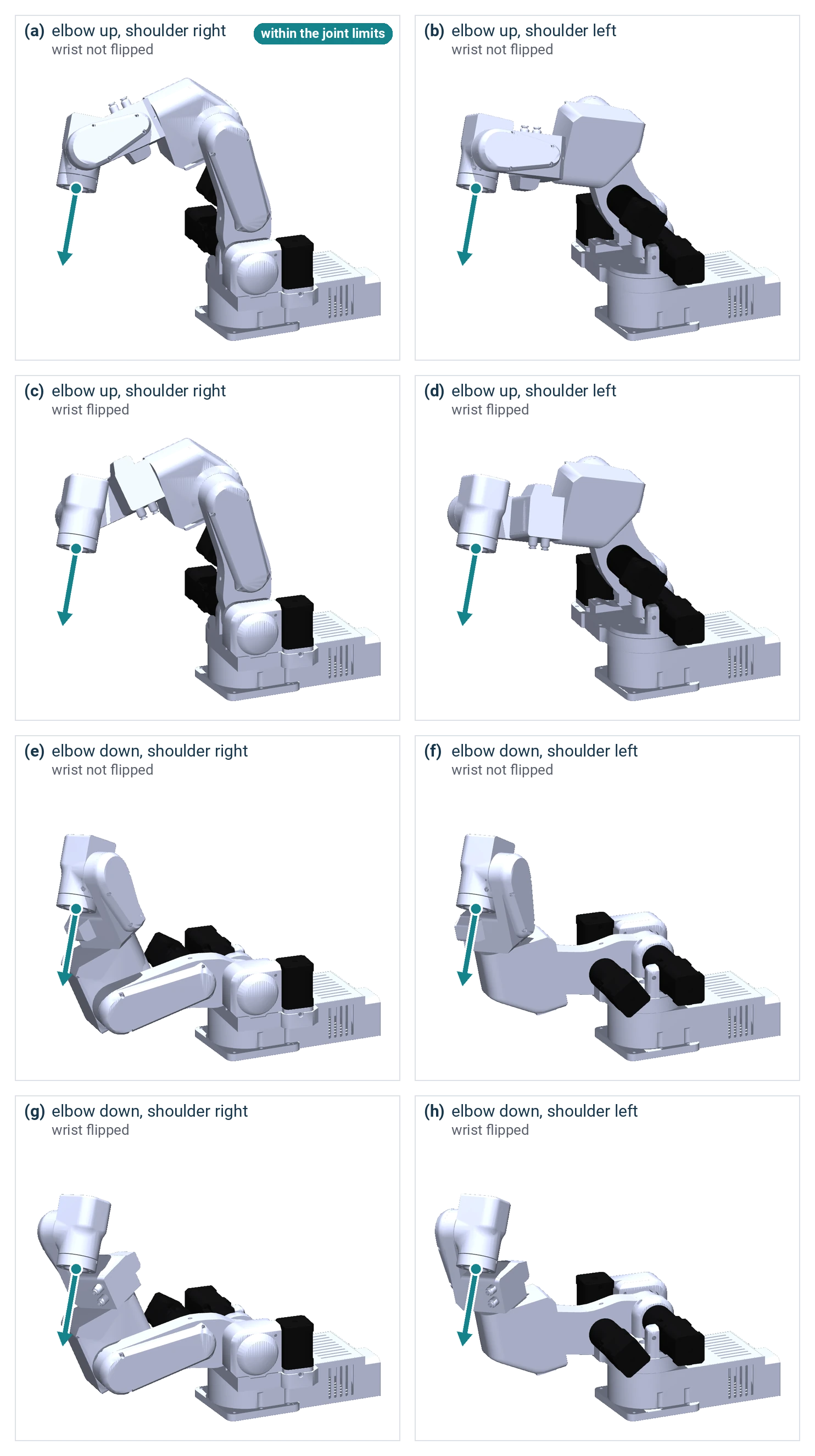
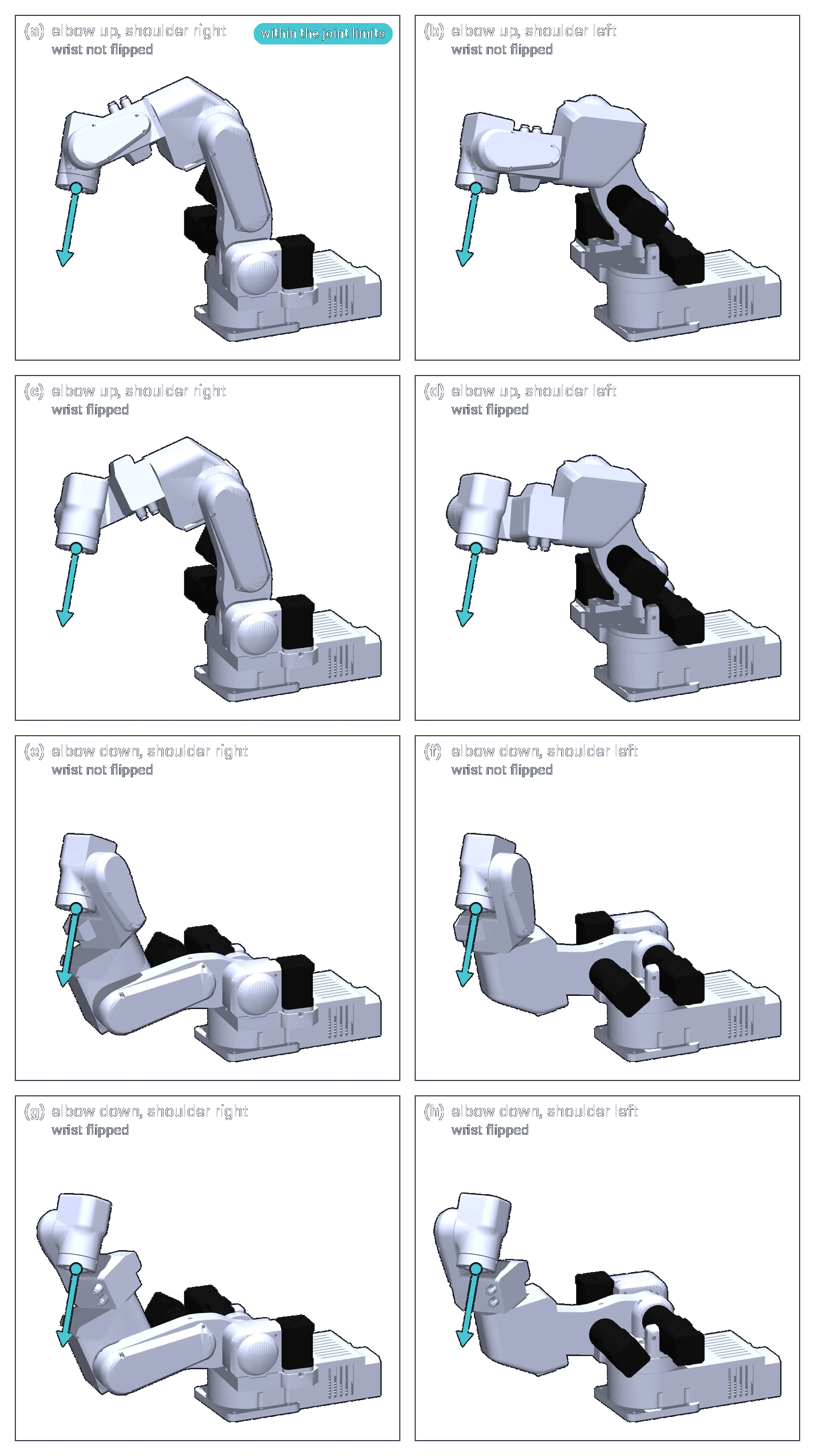
Mathematically all eight reach the pose. On the real robot, the joint limits rule most of them out: for this pose only (a) is within every joint limit (Joint limits and directions), and several of the others would also hit the robot itself. The poses were solved and drawn from PAROL6's model in robot_descriptions, the same model the limits come from.
The practical rule: teach the poses of a program in the configuration you want, and make the move between two
configurations a joint move (MoveJoint, move_j), never a Cartesian one.
How the software chooses, when a target is given as a pose:
- The Python API solves every pose starting from the joints where the robot is, so it keeps the current configuration, in Cartesian moves and in joint moves to a pose alike.
- The commander software solves
MovePosestarting from the standby pose, so it takes the configuration nearest to standby, whichever the robot is in; its Cartesian moves keep the current one.
To be sure of the configuration, give the target as joint angles.
Singularities
When the arm moves in Cartesian space, the software converts a tool velocity into six joint velocities every cycle. In most poses that works. In some poses two joint axes line up, and a motion of the tool in a certain direction would need infinite joint speed, or the joints can turn without the tool moving: a singularity. The maths divides by something that goes to zero. Near it, small tool motions ask for huge joint speeds; at it, the move is impossible.
The three singularities of a six-axis arm with a spherical wrist:
| When | Looks like | You meet it | |
|---|---|---|---|
| Wrist | Joint 5 at 0°: the axes of joints 4 and 6 in one line | The wrist straight; the standby pose is a wrist singularity | whenever the tool points the way the forearm does |
| Shoulder | The wrist centre on the joint 1 axis. The shoulder axis is 23.4 mm in front of it, so the arm leans back to get there: with joint 3 at 180°, at joint 2 = −133.1° | The wrist straight above the middle of the base | working close to the joint 1 axis, above the base |
| Elbow | Joint 3 at 256.2°: the upper arm and the line from the elbow to the wrist centre in one line, the wrist centre 362.3 mm from the shoulder axis | The arm fully stretched | at full reach |
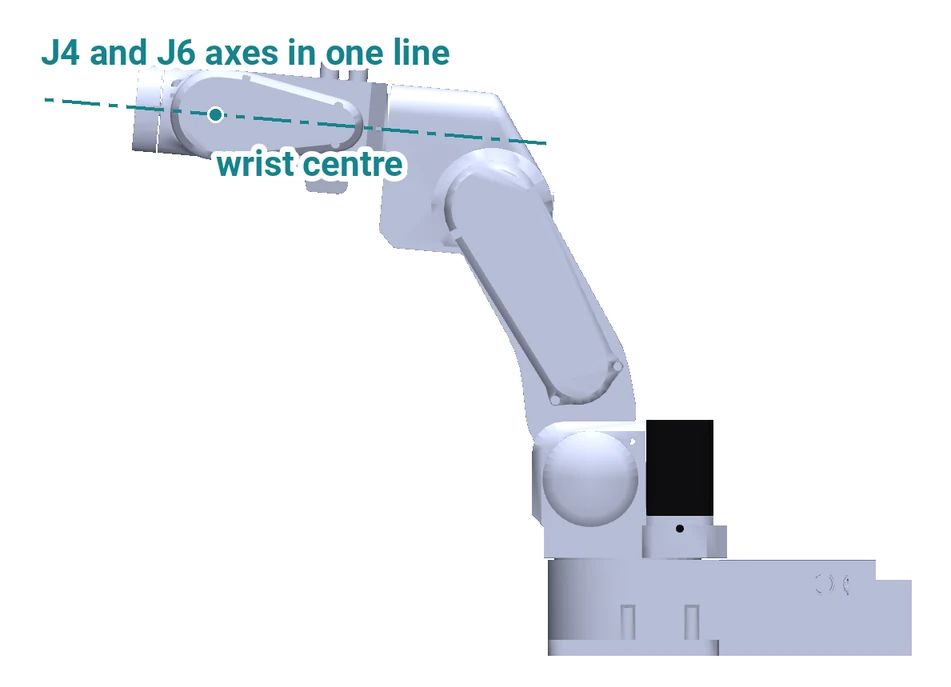
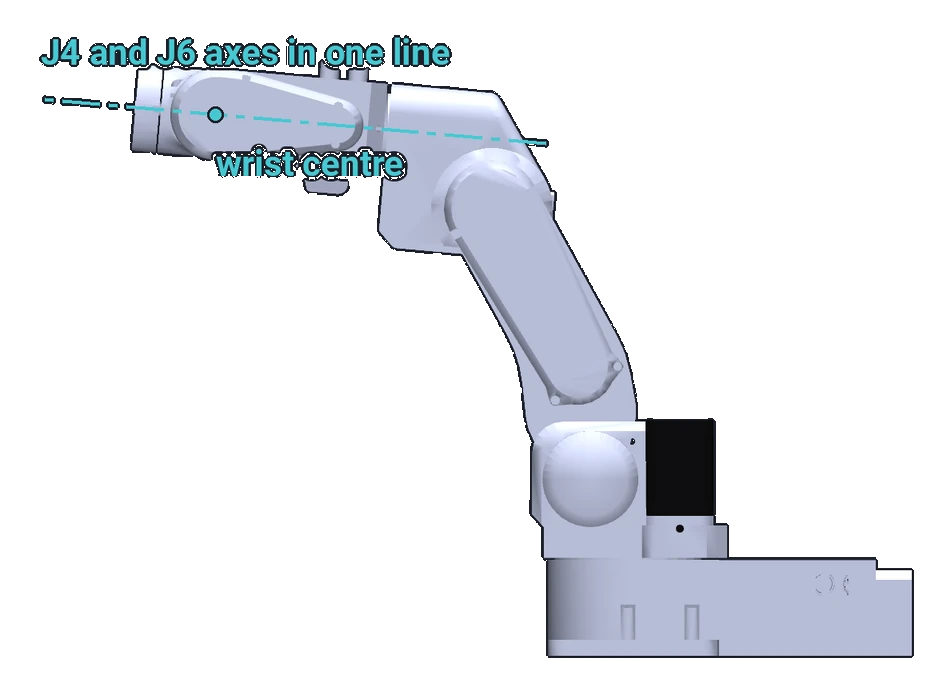
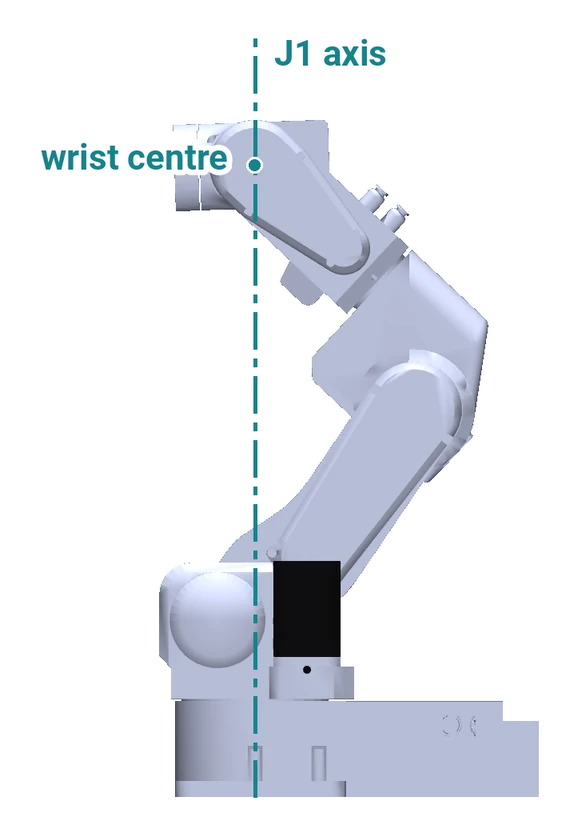
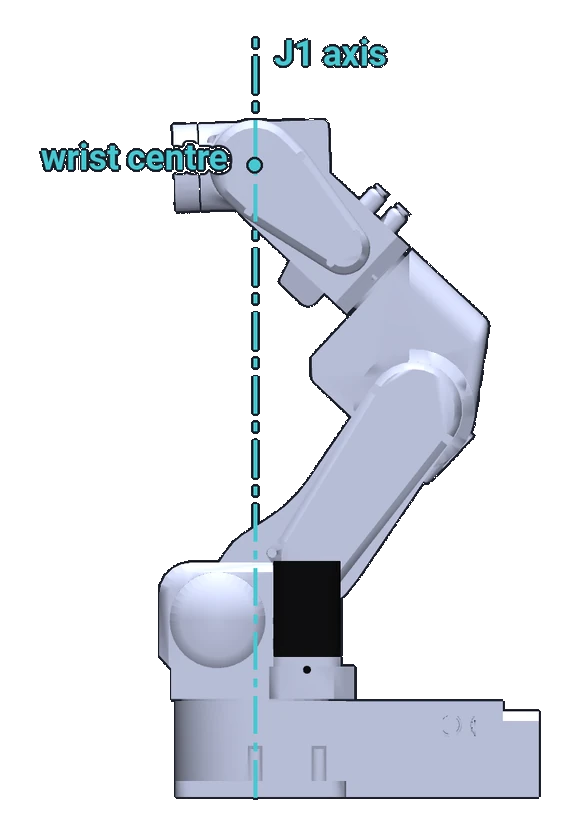
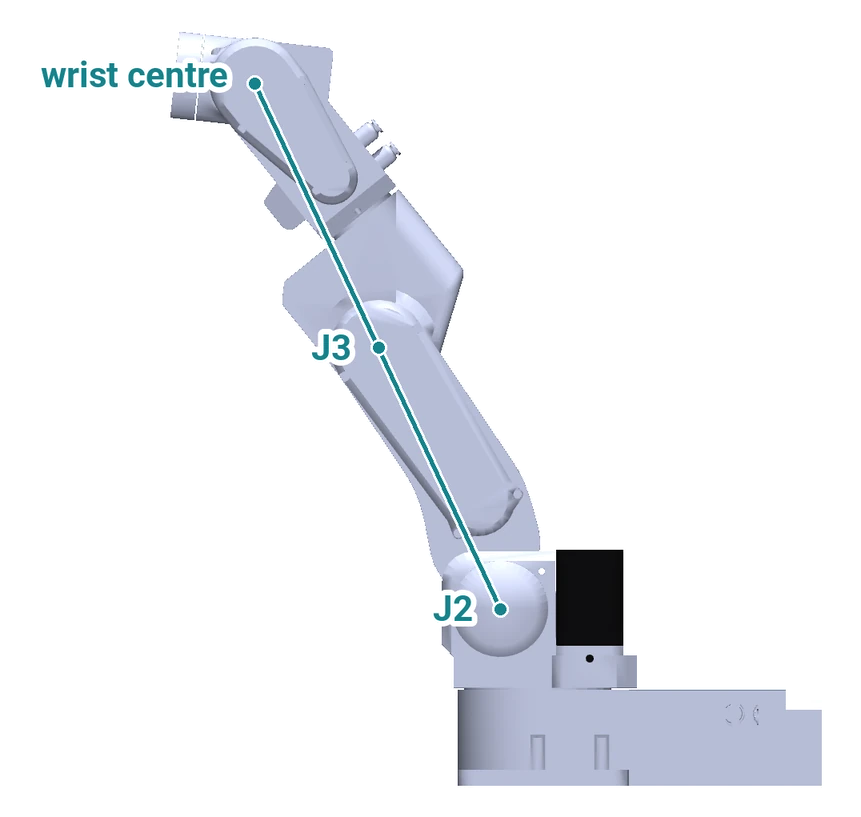
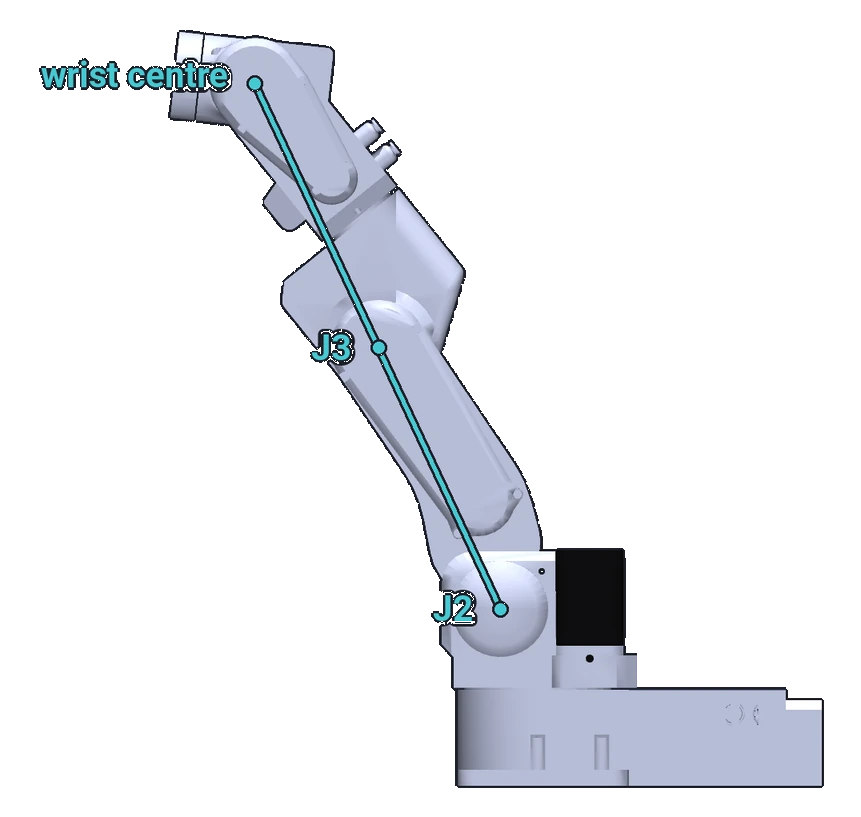
The angles are the ones the software shows, from PAROL6's model. The wrist centre is where the axes of joints 4, 5 and 6 meet. The elbow singularity is the outer edge of the workspace (Workspace and reach): singularities are part of its boundary, with the joint limits.
What PAROL6 does
- The commander software stops a Cartesian move or jog when it reaches a singularity; the robot stays where it stopped. It does not deviate from the path to go around.
- The Python API refuses a Cartesian command whose path it cannot solve, before anything moves, and a jog that would enter a singular region stops.
Some industrial controllers can bend the path slightly to pass a singularity; PAROL6 keeps the path and stops instead. The demonstration video shows what singularities look like on an industrial arm.
Avoiding them
Singularities are a property of the geometry, so they are avoided by design, with trial and error:
- Keep the wrist bent: a few degrees of joint 5 away from 0° at the poses where you work.
- Place the parts so that the arm reaches them with a bent elbow, not at full stretch, and off the axis of joint 1.
- Mount the gripper at an angle, or on a plate that turns it, so that the working orientation needs a bent wrist.
- When a move keeps failing, make it a joint move, or add an intermediate pose.
- Run the program in the simulator: a stop or a refusal in the simulator is a singularity you can see.
Comments
Found a mistake on this page? Edit it on GitHub · Report it · Get help · This page as Markdown · llms.txt · The whole manual as PDF