Target, commanded and actual
Three positions exist at every moment, and they differ.
- The target is where you asked the robot to go: the end of the move.
- The commanded position is where the planner says the robot should be right now, on the trajectory it computed from the profile, sent to the control board in this cycle.
- The actual position is where the motors are, as the control board counts their steps: what
rbt.angles()and the commander's display show.
Why commanded and actual differ
The board receives a speed and a position every 10 ms and runs the stepper at that speed until the next packet. Two things pull the actual position away from the commanded one:
- The PC is not a real-time machine; the packets are 10 ms apart on average, not exactly, and a late packet lets the motor run a little too long or short.
- A stepper cannot make the very small speed changes at the start and end of a smooth profile exactly; it rounds them.
If the board followed the speed alone, the errors would add up over a long move and the robot would miss the target by a few steps. So the planners use the go-to-position command (156), in which the board runs each joint at the average of the commanded speed and the speed that would close the position error within one cycle: the speed curve gives the smoothness, the position curve pulls the error back to zero every cycle, and the robot arrives exactly.
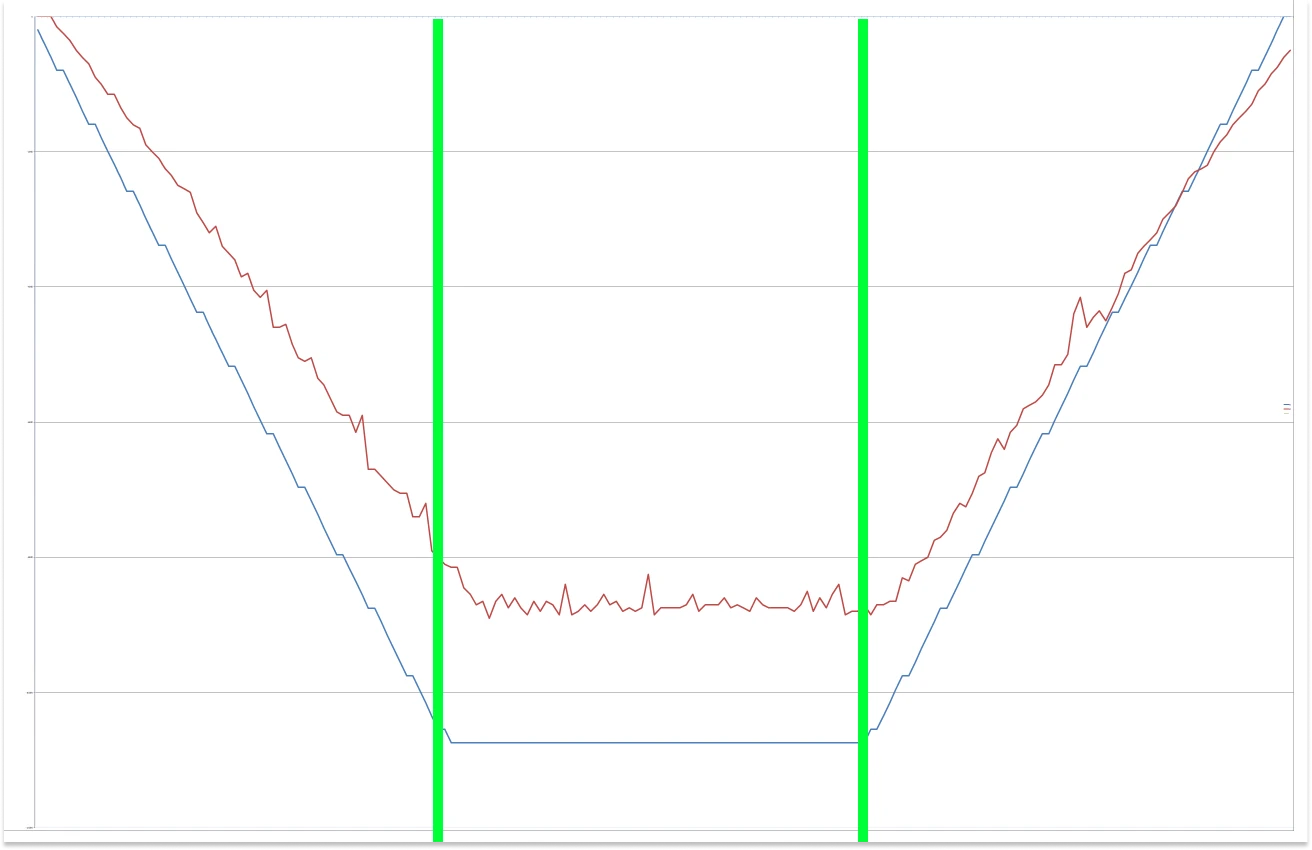
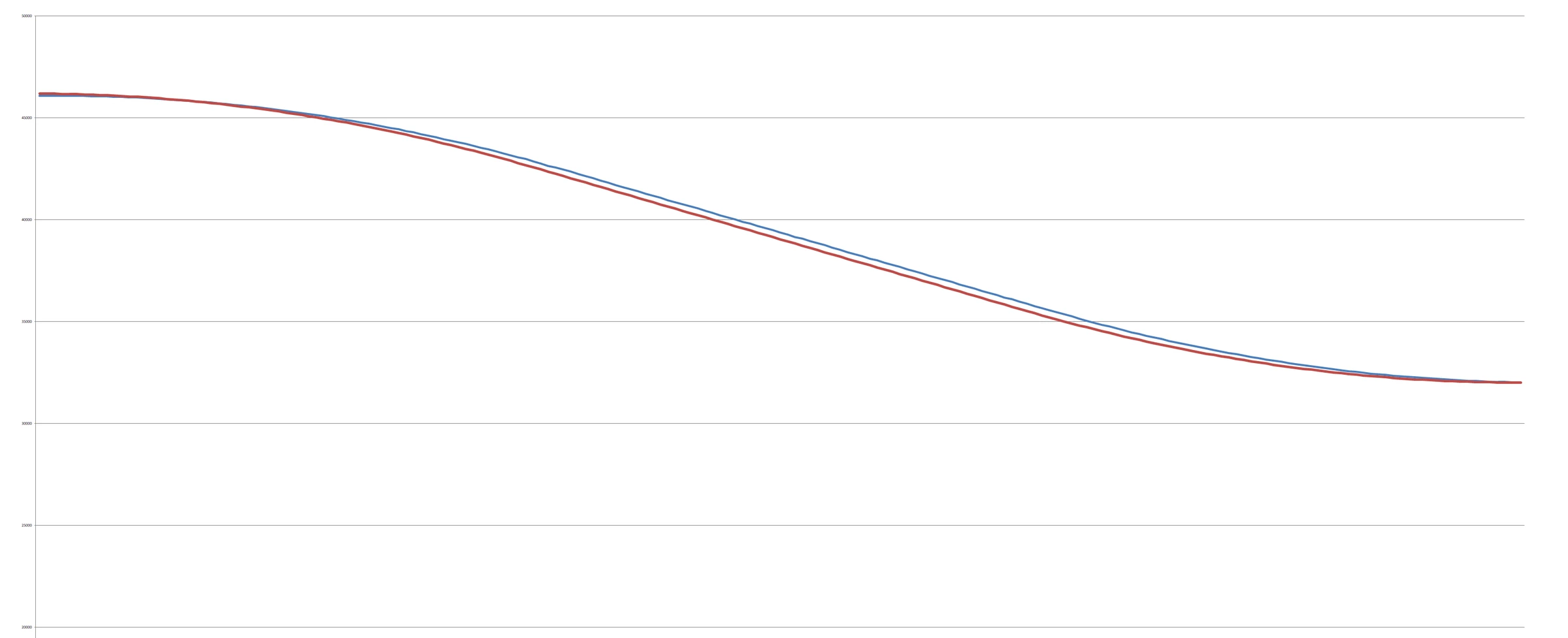
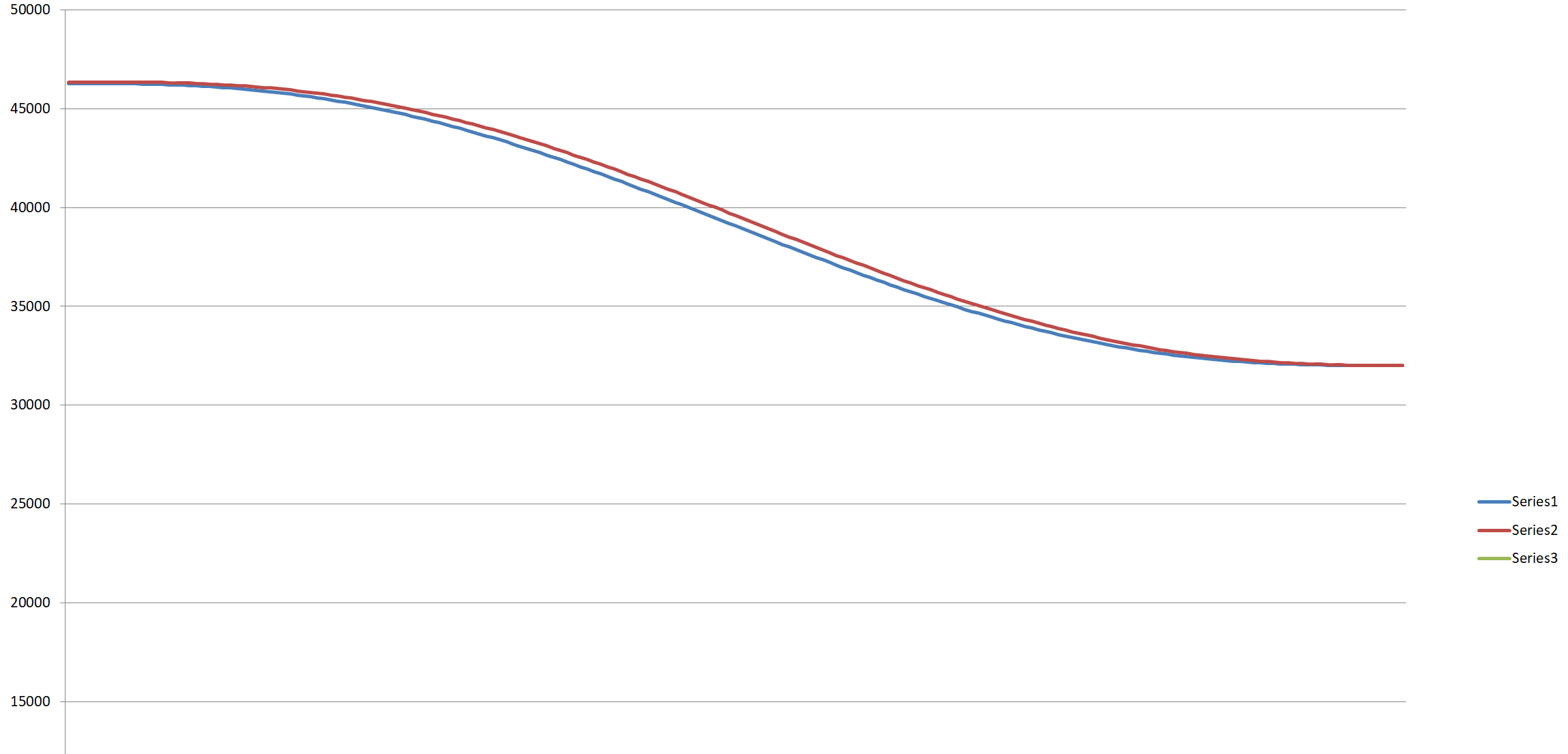
The commander's RBTscript exposes the choice: a move with speed as its last argument tracks the speed curve
only, which is smoother and quieter and may stop short of the target; without it, speed and position are
tracked.
What the software reports
The commander shows the actual joint angles and the actual tool pose; the Python API's status stream carries the
actual angles and speeds, plus executing_index and completed_index for where the queue is. "Actual" means
"counted steps": a lost step moves the real arm away from all three without any of them noticing
(Homing and mastering).
Comments
Found a mistake on this page? Edit it on GitHub · Report it · Get help · This page as Markdown · llms.txt · The whole manual as PDF