Forward and inverse kinematics
Kinematics is the geometry of the arm: how the joint angles decide where the tool is, and the other way round.
The kinematic diagram and the DH table
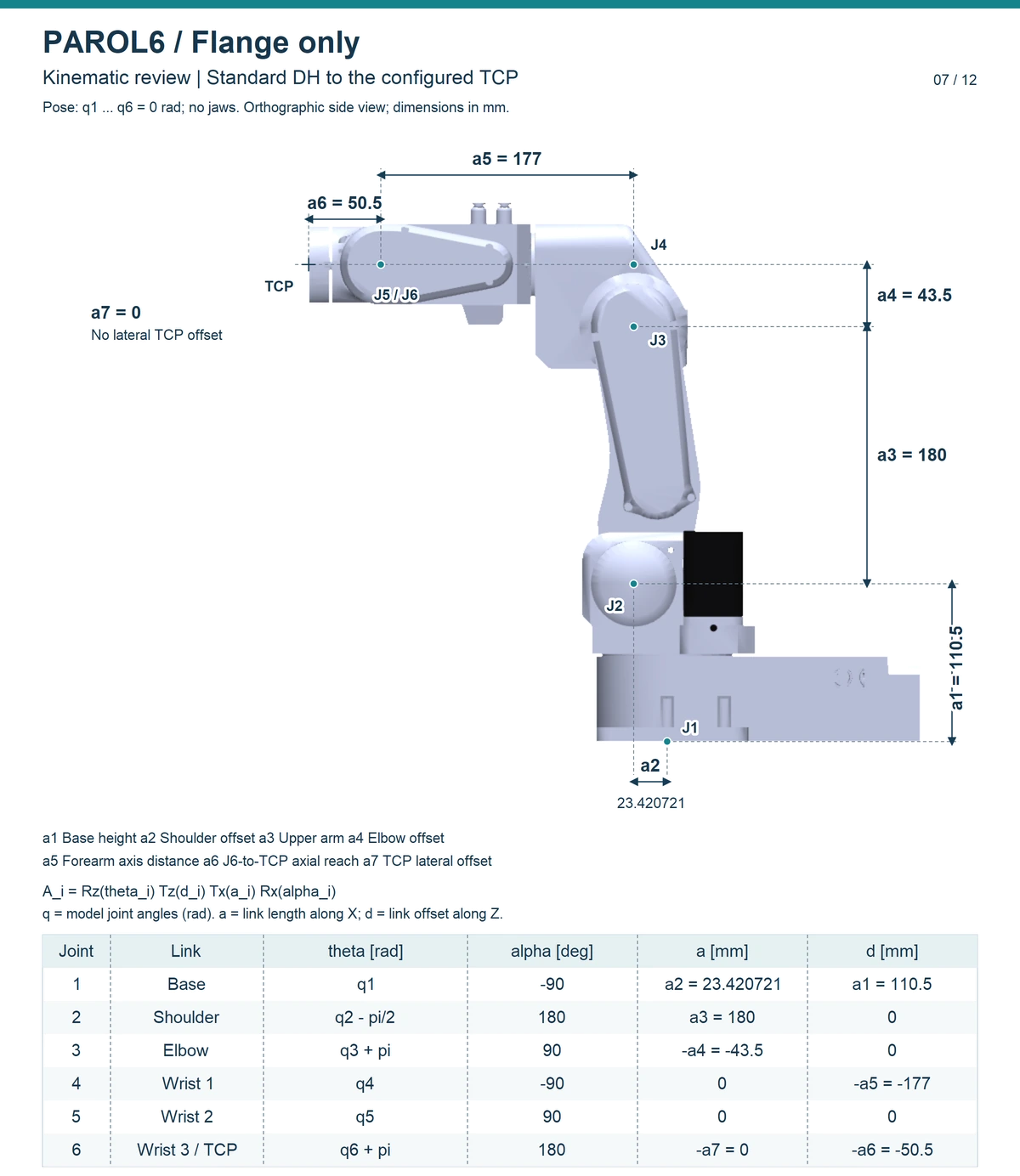
A kinematic diagram shows the links and joints without the shapes: six revolute joints, their axes, and the distances between them. The Denavit-Hartenberg convention writes that down as four numbers per joint, a link length, a link offset, a joint angle and a link twist, and PAROL6's table is in the Robot Manual (Dimensions and kinematics). The commander software's robot model is built from this table; the Python API loads the robot's URDF, which carries the same geometry, and computes the kinematics numerically with Pinocchio.
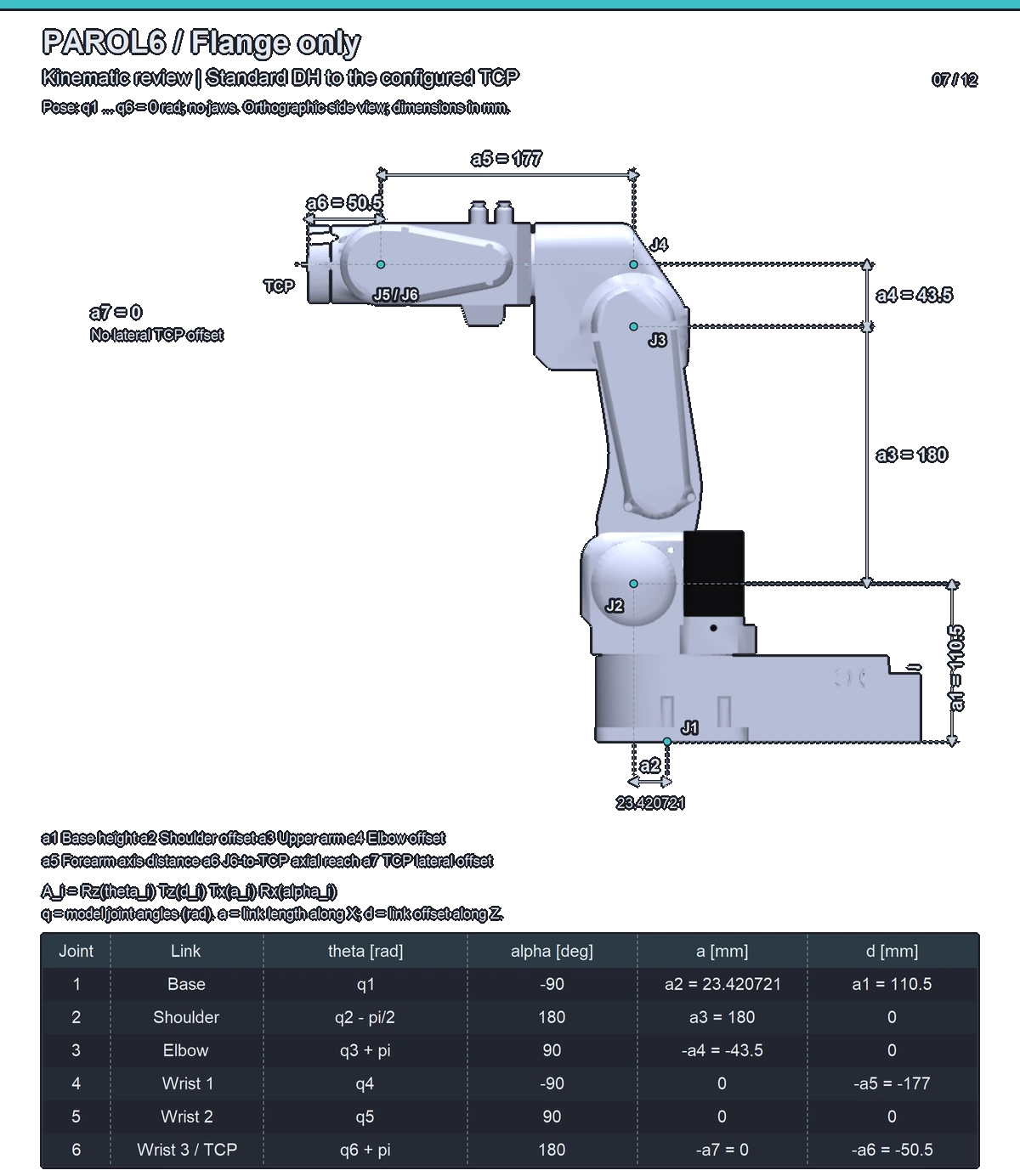
The sheet below shows both at once for PAROL6 with nothing on the flange: the robot's real outline with every joint at 0, the joint centres J1 to J6, the dimensions a1 to a7 between them, and under it the DH table those dimensions make. The Robot Manual has the same sheet for every gripper.
Forward kinematics
From six joint angles to the pose of the tool. It is a chain of transformations, one per joint, multiplied
together, and it always has exactly one answer: the software runs it every cycle to show you where the tool is.
rbt.pose() is forward kinematics of the current angles plus the tool's transform.
Inverse kinematics
From a pose of the tool to the joint angles that reach it. It is the hard direction. The spherical wrist helps: the first three joints decide where the wrist centre is, and the last three decide the orientation from there, so the problem splits in two. Even so:
- A pose can have several solutions: elbow up or down, wrist flipped or not, the base turned the other way. The software picks the one nearest the current configuration.
- A pose can have no solution: out of reach, or an orientation the wrist cannot make from that position.
The move is refused (
IK_TARGET_UNREACHABLEin the API, an inverse kinematics error in the commander). - Near a singularity the solution exists but demands enormous joint speeds; the next page.
The Python API solves the inverse kinematics numerically, which is general but can fail on poses a closed-form
solver would find, especially around joint 4; re-planning from a slightly different pose or starting posture
usually helps. MovePose in RBTscript and move_j(pose=...) in the API solve the kinematics once, at the target,
and move in joint space; MoveCart and move_l solve it all along a straight line, which is where the next
page matters.
Comments
Found a mistake on this page? Edit it on GitHub · Report it · Get help · This page as Markdown · llms.txt · The whole manual as PDF