PAROL6 GUI Guide
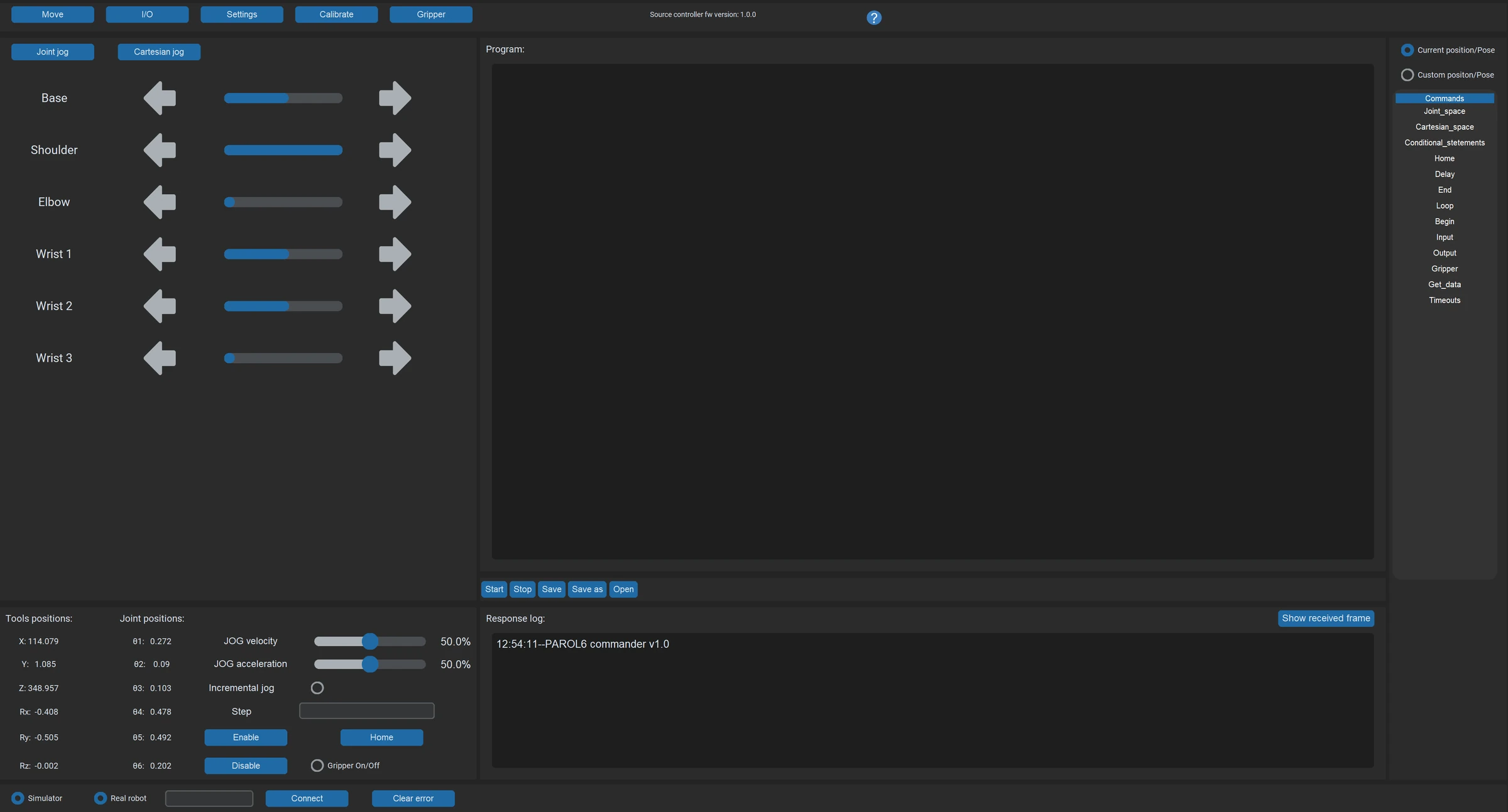
The graphical programs for PAROL6 and its grippers: which one to open for which job, how to install it, and what is on its screen. Programming the robot, in RBTscript or Python, is in the Programming Guide.
| Commander software | Waldo Commander | Motor GUI | |
|---|---|---|---|
| What it is | Source Robotics' desktop program: jogging, a 3D simulator, the RBTscript editor, the I/O and gripper tabs | A community browser interface on the Python API: a simulator, Python programs, teaching by demonstration, an MCP server for LLMs | Source Robotics' browser tool for the drivers inside the electric grippers |
| For | the first day, teaching poses, demos, simple sequences | remote use, programs in the browser, AI-driven control | setting up, testing and updating an SSG-48 or MSG gripper |
| Runs | on the PC at the robot, Python 3.10 or 3.11 | a server at the robot, any browser | any Chromium browser, with the CANvas adapter |
| Talks to | the control board over USB | the Python API's controller | the gripper's driver over CAN |
In this guide
- The commander software: Installation, The GUI
- Waldo Commander
- Motor GUI
One program owns the control board at a time: the commander and the Python API's controller cannot be connected together (Control ownership).
Comments
Found a mistake on this page? Edit it on GitHub · Report it · Get help · This page as Markdown · llms.txt · The whole manual as PDF