2. Safety
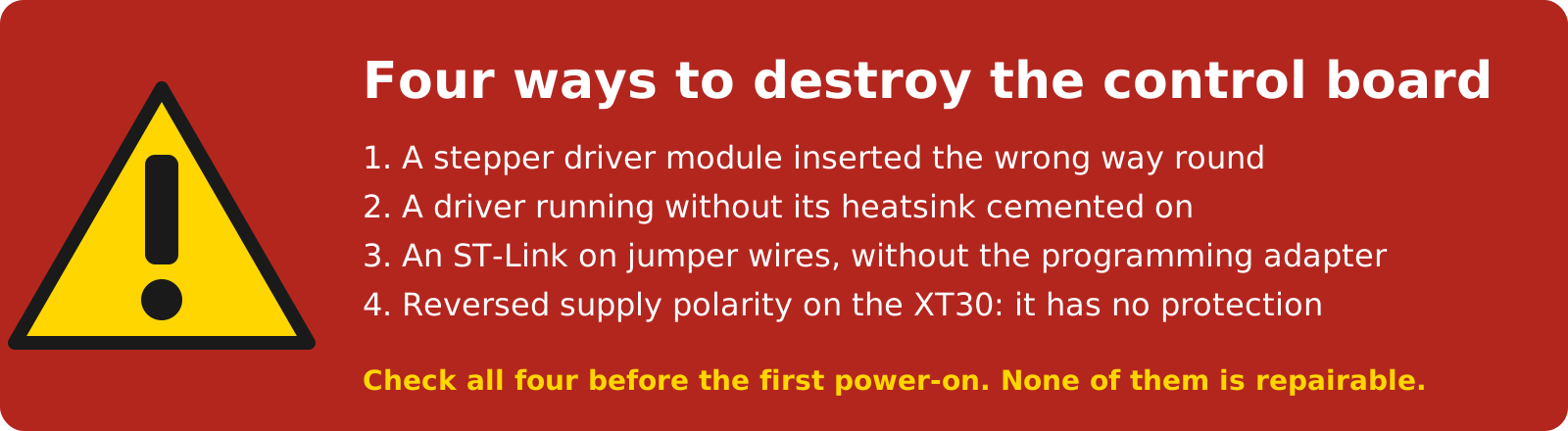
Four ways to destroy the board
- A stepper driver module inserted the wrong way round. Check the orientation against the DIAG pins before the first power-on (Stepper drivers).
- A driver without its heatsink cemented on. The TMC5160 modules need the heatsink and the fan.
- An ST-Link connected with jumper wires without the programming adapter. Use the adapter, or only the four pins named on Firmware.
- Reversed supply polarity. The XT30 power input has no reverse-polarity protection.
- The board runs on 24 V, which is safe to touch; the power supply you connect it to is the mains device.
- The outputs switch up to 1 A at up to 48 V; the inputs take up to 50 V. The isolation between them and the robot holds only if you power them from an isolated supply (Inputs, outputs and E-stop).
- The E-stop input is read by the firmware and acted on by the PC software; it does not cut the motor power (Emergency stop in the Robot Manual).
- With 3.3 V on the programming header the board turns on when the supply is connected and cannot be switched off with the button. Disconnect the 24 V supply before you connect the programmer.
- The drivers are hot after use; the fan must run whenever the motors are energised.
- Static electricity damages the microcontroller and the drivers. Unplug the supply and touch earthed metal before you handle the board or a driver module, and hold them by the edges.
Comments
Found a mistake on this page? Edit it on GitHub · Report it · Get help · This page as Markdown · llms.txt · The whole manual as PDF